

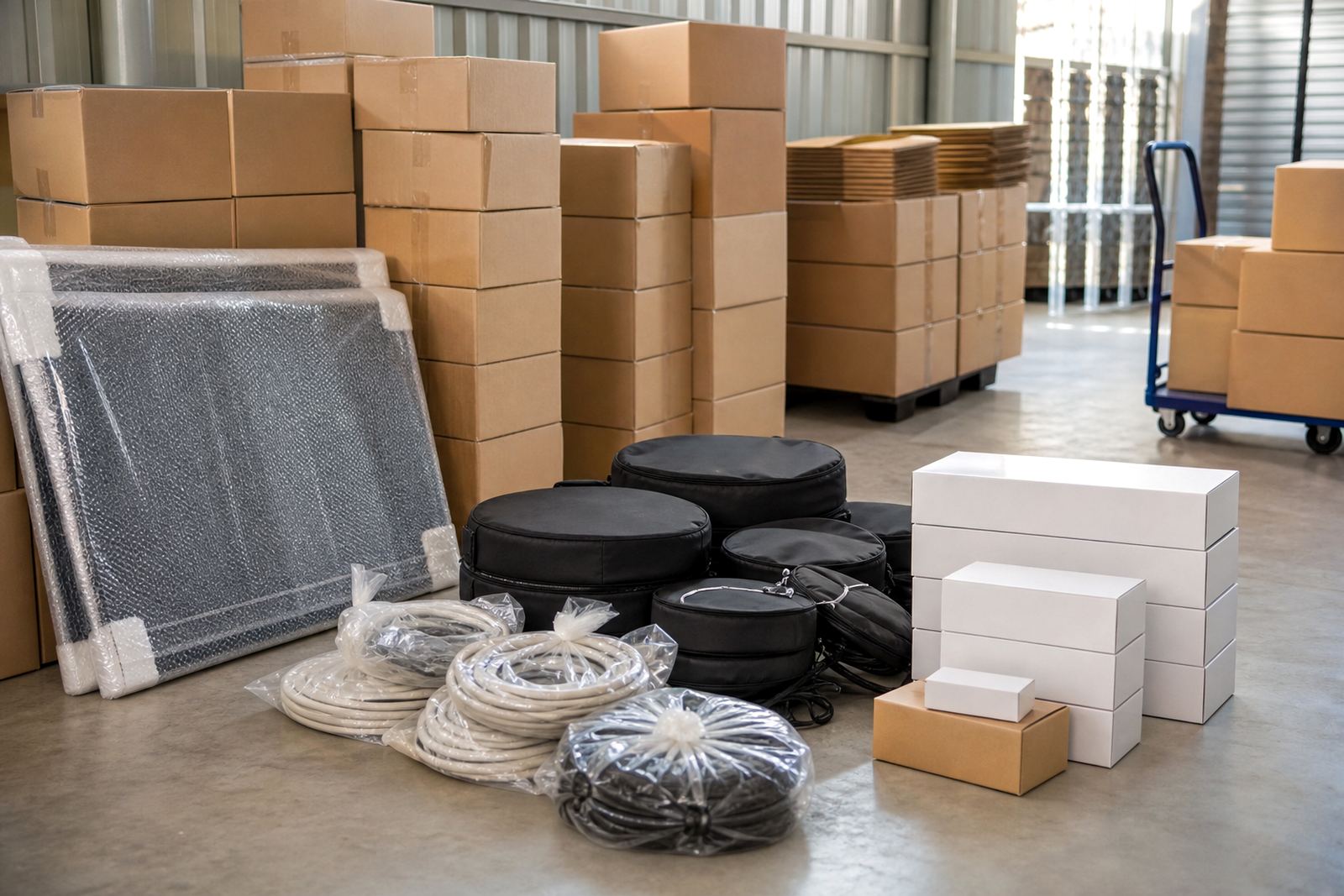
Start with a quick sort before you pack
Before you wrap anything, group your items by type so packing is easier later. Put screens, monitors, routers, chargers, adapters, remote controls and small devices into separate piles. This keeps the box count down and helps you find the right item when you need it back.
If the equipment came from an office, label the items by room or workstation. That helps during move-out planning, stock checks or office move support. It also saves time if your unit is in Midrand, Johannesburg or Pretoria and you need to fetch only one or two items at a time.
- Separate screens from cables
- Remove batteries where possible
- Keep manuals, remotes and stands with the correct device
- Note any cracks, loose plugs or missing parts before packing
Choose strong boxes and the right packing supplies
Use clean, sturdy boxes that can carry the weight without sagging. For screens and slim devices, a box that allows a little space for padding is better than an overfilled carton. Smaller boxes are usually safer for heavy cables and power bricks, since they are easier to lift and less likely to split.
Use packing paper, bubble wrap, foam sheets and tape that holds well in warm conditions. In Gauteng, especially around Kempton Park and Centurion, the heat can loosen weak tape if the box sits in a car for too long. If you are storing electronics near the coast later on, extra wrapping helps with moisture too, even though LastBox serves Gauteng from a Midrand base.
- Strong cartons in good condition
- Wrapping material for corners and screens
- Labels and marker pens
- Tape that seals firmly
- Anti-static bags for small components where available
Protect screens and delicate surfaces properly
Screens need flat support and a little breathing room. Clean the surface lightly, switch the device off and let it cool before wrapping it. Place soft material over the screen first, then wrap the whole unit so that no hard edge can press against the glass or frame. Keep the screen upright when possible, not flat under heavier items.
For televisions, monitors and tablets, protect the corners carefully because that is where damage often starts. Do not place chargers, cables or metal stands directly against the screen. If the original packaging is still available, it usually gives the best fit, but a well padded box can work just as well.
- Cover the front surface first
- Pad the corners separately
- Keep screens upright inside the box
- Do not stack weight on top of screens
Pack cables, chargers and small devices in separate bundles
Cables tangle quickly, so coil each one neatly and secure it with a soft tie or a strip of tape folded onto itself. Put chargers, adapters and leads in labelled bags before placing them in a box. Smaller devices such as routers, printers accessories, speakers or handheld equipment should be wrapped on their own so the plugs and ports do not rub together.
If you are storing business stock or home office equipment, set one box aside for active essentials. That way you do not have to open every carton to find one charger. It also makes Access Arrangement easier when you visit your unit. A tidy box is quicker to inspect and easier to move in and out of a storage unit.
- One cable type per bundle if possible
- Label each bag or bundle clearly
- Keep power cords with the matching device
- Use smaller boxes for heavier loose items
Label every box so you can find things fast
Clear labels save time at storage units in Sandton, Randburg and Edenvale, especially if you are moving items in stages. Write the room, device type and whether the box contains fragile items. If you have more than one screen, mark the size or use a simple numbering system so you know which is which.
Put the label on the top and one side of the box. That makes it easier to read when boxes are stacked. A short contents note helps too, such as monitors, cables, printer parts, or mixed office electronics. Keep the same naming style across every box and your storage will stay easier to manage.
- Room or department name
- Item group, such as screens or cables
- Fragile notice where needed
- Box number if you have several similar cartons
Store electronics safely in a unit and check them now and then
When the boxes go into a storage unit, keep them off the floor if you can and away from walls that may pick up damp. Leave a small walkway so you can reach the back boxes without moving everything first. For business storage support or archive planning, place the most important equipment near the front for quick access.
In Gauteng, dust from roads and workshop areas can build up over time, so sealed boxes and covered items are worth the effort. If a box feels soft, damp or crushed, move the contents to a better carton straight away. It is a small job now rather than a bigger one later. Keep an eye on the packing, and dont leave loose leads where they can snag.
- Keep boxes off the floor where possible
- Leave a narrow access path
- Place frequently used items near the front
- Check for damp, dust or crushed corners
- Re-tape any box that starts to open
Simple checklist before you seal the last box
Use this final check before you close the carton and hand it over for storage or move-out planning. It is a small step, but it can prevent broken screens, missing chargers and a lot of sorting later.
- Device switched off and cooled down
- Cables coiled and labelled
- Screens wrapped with corner protection
- Small parts packed in separate bags
- Box filled with enough padding to stop movement
- Label written clearly on top and side
- Heavy items kept in smaller cartons
If you need help choosing the right box size, arranging access or planning a storage move in Midrand, Johannesburg, Pretoria, Centurion or Kempton Park, use the enquiry form on the contact page. The team can also help with packing supply advice, unit size guidance and packing station setup for home or business items.